


Bitfunx Free McBoot V1.966 8MB/16MB/32MB/64MB Memory Card for PS2 Fat Console
Bitfunx Free McBoot V1.966 8MB/16MB/32MB/64MB Memory Card for PS2 Fat Console


10% OFF
New Customers (use code: WELCOME10)
FREE Delivery
For first-time users (use code: DELIVERY)
Couldn't load pickup availability
Delivered in: 5-10 working days
Product Information
Product Information
At Electraaa, we bring you high-quality electronic products that combine smart technology with reliable performance. Every item in our collection is carefully selected for durability, ease of use, and value — making your daily life simpler, faster, and more convenient.
Whether it’s for home, work, or on the go, our electronics are built to deliver:
- ⚡ Reliable performance you can count on
- 🔋 Energy-efficient designs that last longer
- 📱 Modern features for a seamless user experience
- 🛡️ Quality-tested materials for long-term durability
From practical gadgets to essential accessories, our products are made to enhance your lifestyle and keep you connected. Smart, affordable, and designed with you in mind — that’s Electraaa.
Shipping Information
Shipping Information
We aim to make your shopping experience smooth and reliable. All orders are carefully processed and shipped within our standard delivery window.
- 🚚 Delivery Time: 7–10 business days
- 📦 Order Processing: Orders are packed and dispatched promptly to ensure timely delivery
- 🌍 Shipping Locations: We ship to all major regions
- 🔔 Tracking: You’ll receive tracking details as soon as your order is shipped
- 🛡️ Secure Packaging: All items are packaged with care to protect your electronics during transit
If you have any questions about your shipment or delivery, feel free to contact our support team — we’re always here to help!
Refunds & Returns
Refunds & Returns
We want you to feel confident when shopping with Electraaa. If you’re not completely satisfied with your purchase, we offer a hassle-free return process.
- 🔄 30-Day Money Back Guarantee: If you don’t like the product for any reason, simply return it within 30 days of purchase for a full refund.
- 📦 Return Condition: Items should be returned in their original condition with all accessories included.
- 💰 Fast Refunds: Once we receive and inspect the returned item, your refund will be processed promptly to your original payment method.
- ✉️ How to Start a Return: Contact our support team with your order number and we’ll guide you through the simple return process.
Your satisfaction matters to us — shop with peace of mind knowing you're protected by our guarantee.


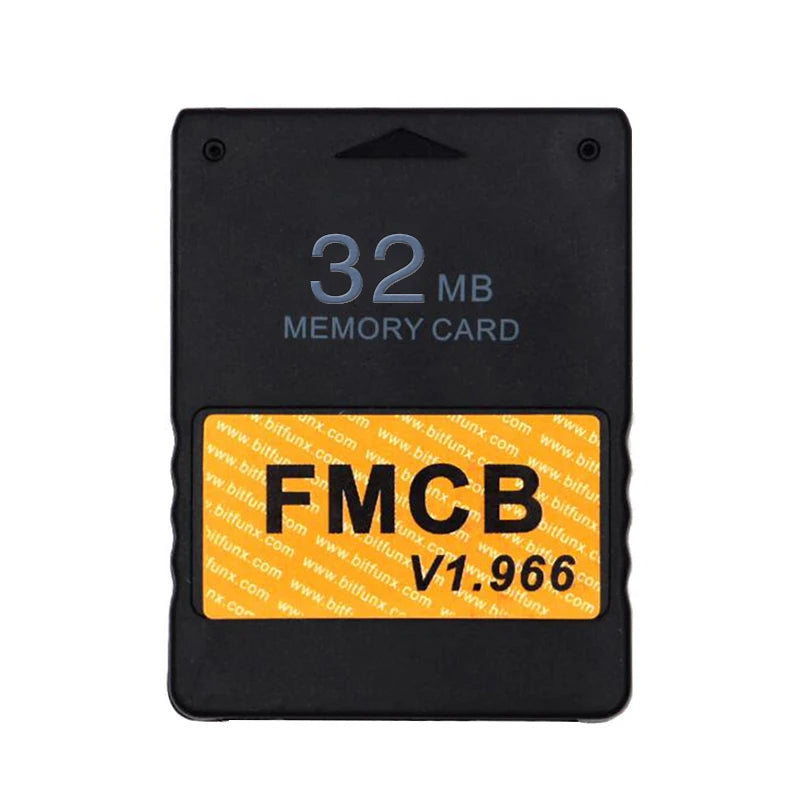
Product Details
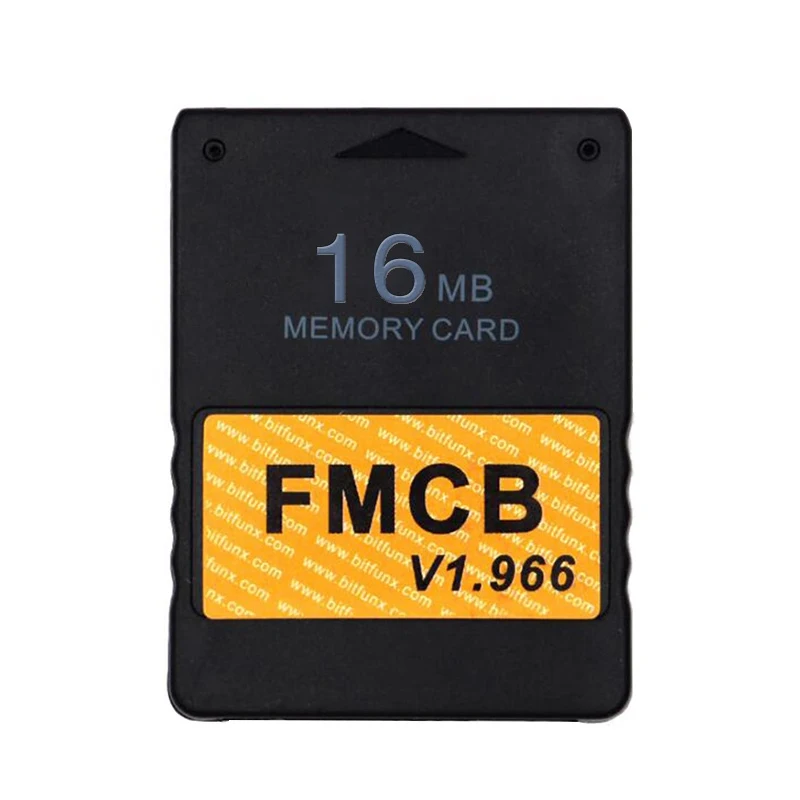
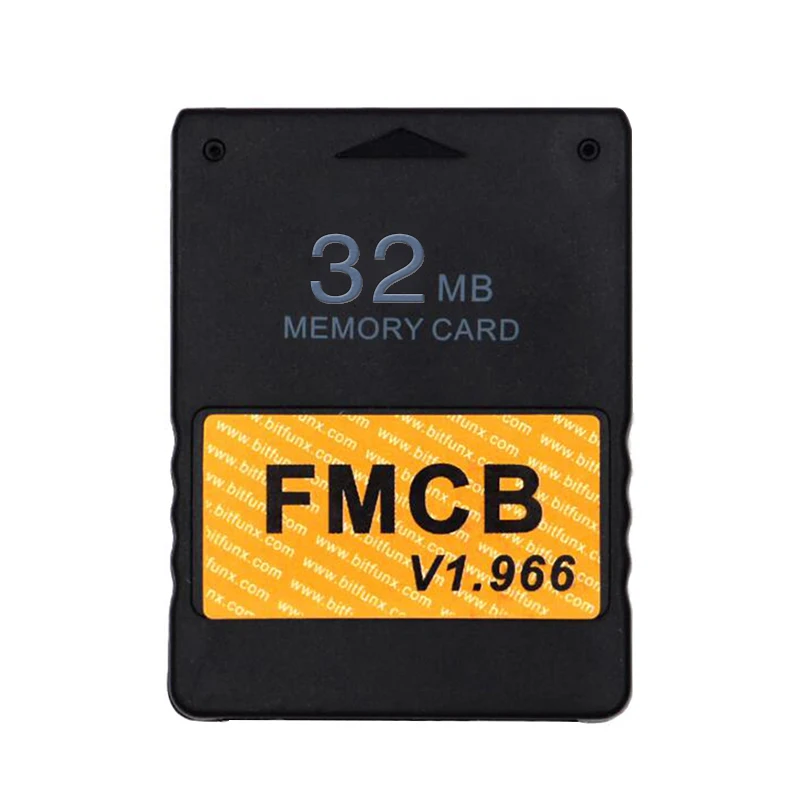
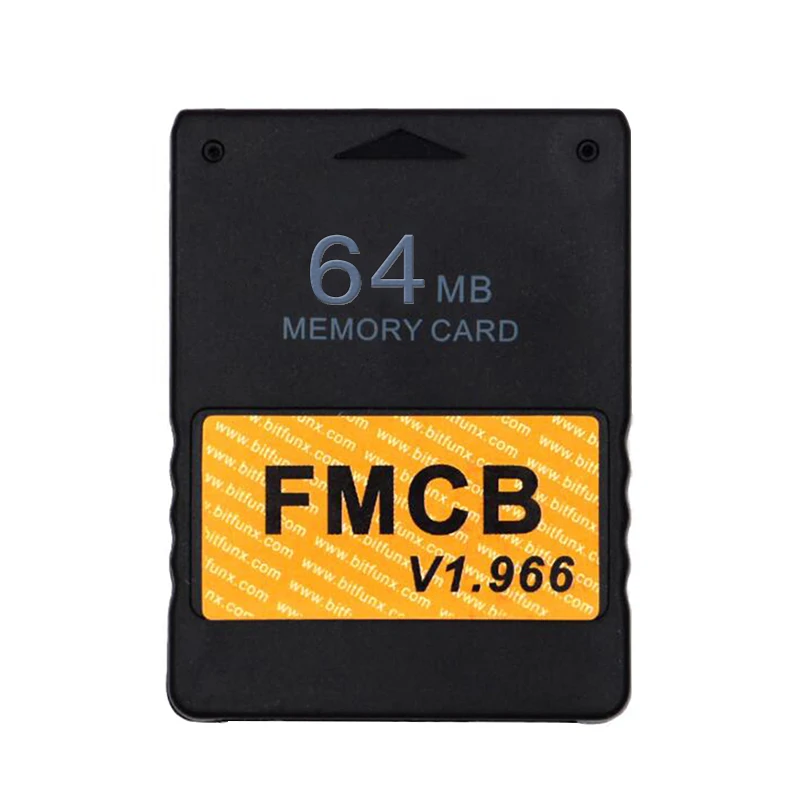
Bitfunx Free McBoot V1.966 8MB/16MB/32MB/64MB Memory Card for PS2 Fat Console

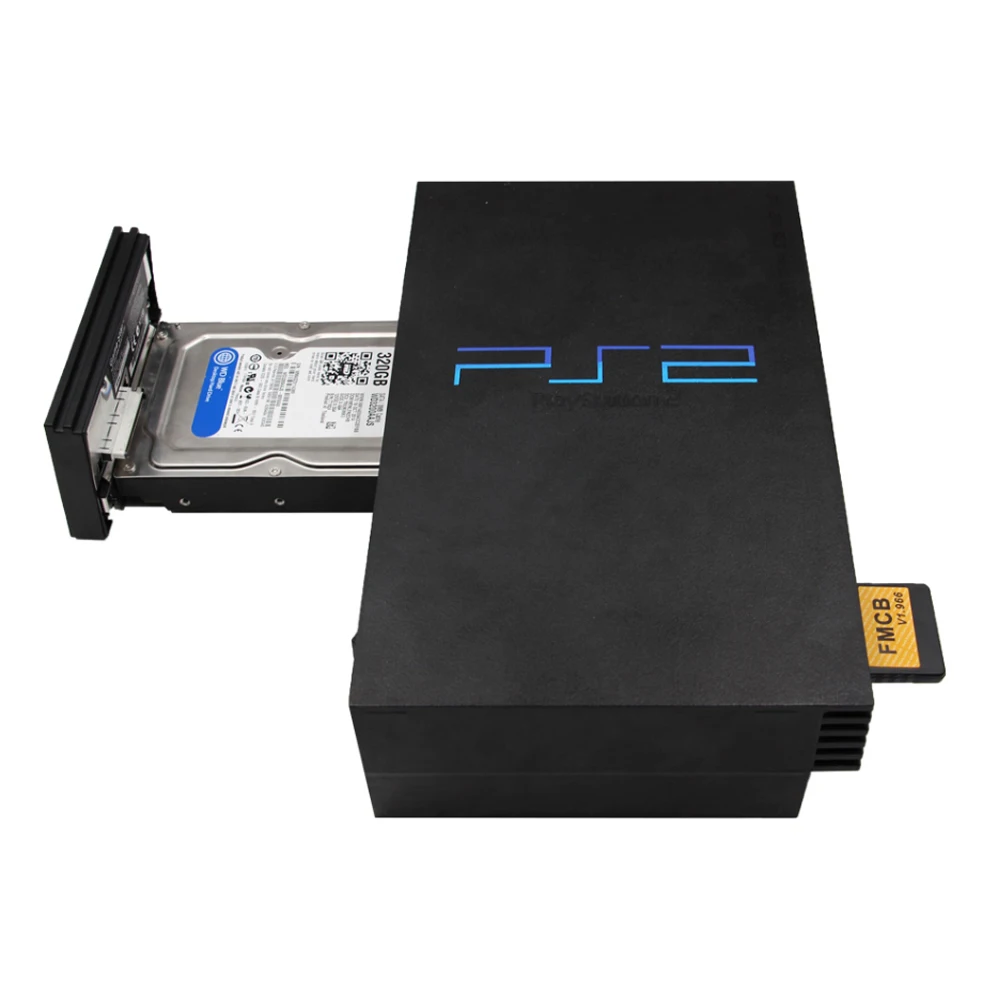
Free McBoot V1.966 8MB/16MB/32MB/64MB Memory Card for PS2 Fat Console
1. This is not a game card, no games in it and please do not use FMCB to save games. Otherwise, the FMCB data will be damaged and will not work properly.
2. This is for PS2 fat console.
3. If you have any questions please contact us. Thanks.
4. Doesn't support EXFAT format.
For Product Technical Support:
1. Please join the Bitfunx Discord :https://discord.gg/ewRspdnt3Z
2. Please visit Bitfunx Official Store to contact customer service. (https://bitfunx.aliexpress.com/store/1100940502?spm=)
3. E-mail : barry@bitfunx.com
4. Visit Bitfunx on Youtube to see more videos of the product in use.
( https://www.youtube.com/@bitfunx9713)

Features:
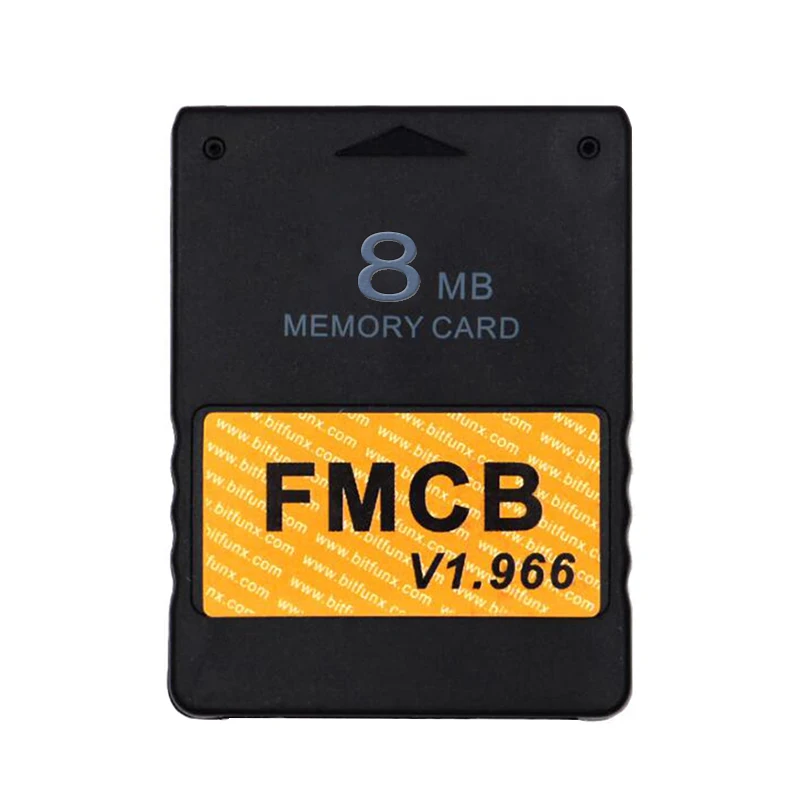
1. Brand New V1.966 FMCB 8MB/16MB/32MB/64MB Free McBoot.
2. Sample and Easy, Quick plug into your PS2 fat console and play.
3. Support with CHIP MOD or without CHIP MOD on your PS2 fat console.
4. No Region limited, compatible with all PS2 fat console.



uLaunchELF
uLaunchELF also known as uLE (abbreviated) is an open source file manager and executable launcher for the Playstation 2 console based off of the original LaunchELF. It contains many different features, including a text editor, hard drive manager, as well as network support, and much more.
ESR ( Launch Disc)
ESR is a homebrew app made specifically to work with FMCB to allow you to play backup games on self-create DVD discs . You will have to patch the game before burring into DVD disc.
Please Note: CDs format are not supported.
OPENPS2Loader v0.9.3 [OPL v0.9.3]
Open PS2 Loader (OPL) is an application designed to allow you to play your backup ps2 games from an Internal HDD, a local Hard disk, a connected USB disk or USB Hard disk.
Only the 16MB/32MB/64MB support multiple languages , including English French German Italian Russian Spanish and Japanese .
HDLoader 0.8c
HDloader allow you to play backup games from an Internal HDD
Code Break v9.2
The CodeBreaker is an accessorythat alters a video game's code, giving the user various cheats and other advantages.
ulaunchELF v4.4.2d
uLaunchELF also known as uLE (abbreviated) is an open source file manager and executable launcher for the PS-2 console based off of the original LaunchELF. It contains many different features, including a text editor, hard drive manager, as well as network support, and much more.
Sample Media System(SMS)
Using this program you can view multimedia files including DIVX, AVI, XVID, MPEG, MP3, etc … on your PS-2 console.
USB Advance
If you want use USB disk or USB HDD to play games, USB Advance will be a good choose
GSM v0.38
GSM intends to make on-the-fly conversion from the original graphic mode of games (or application) choosen by user, to the ones he/she wants to force.
PS2infoGB (GameBoy Emulator) - only included in 32/64MB
PS2InfoGB is a GameBo emulator for the Playstation2. Recommand using the USB storage to placed your ROMS.
PS2FCEUltra 0.9.3 (NES emulator) - only included in 32/64MB
A NES emulator, support playing games on usb,mc,and hdd. More information please visit the website
PGEN v1.5.1 (Genesis/Mega Drive emulator) - only included in 32/64MB
PGEN is a Genesis/Mega Drive emulator which allows you to run your favorite roms directly from the hard drive (which can also be run from a memory card and USB).
SNES-Station (SNES emulator) - only included in 32/64MB
SNES-Station is a SuperNintendo/SuperFamicom emulator for the Playstation 2. For the extreme newbs, that means you can play your Super Nintendo games on your PS2 by using ROMs placed on the CDROM, USB, MC, and HDD.
FAQ:
When I plug it into the ps2 console and power on, it's not work. The ps2 console can't find FMCB.
This situation is mostly caused by poor connection between FMCB and the PS2 console, in other words the gold finger of the FMCB board and the PS2 console are not in good connection. There are two steps fix it out. Step 1.You need open the FMCB card with Philips screwdriver and clean the dash on the gold fingers on the pcb board. Step 2. Fix the PCB board position on the case, make sure the pcb board lying flat and not skewed. Then you can assemble back and test it again.
What is the OPL ? what can I do with OPL ?
Open PS2Loader (OPL) is an application designed to allow you to play your backup games from an Internal HDD, a connected USB disk or USB Hard disk.
How to install backup games into internal IDE HDD ?
The internal HDD is the normal 3.5 IDE HDD, if you are using a SATA network adapter, you can use 2.5'' and 3.5'' Hard Disk. If you have ps2 console SPCH-3xxxx or SPCH-5xxxx, congratulations ! With the Network Adapter , you can use the OPL which has been installed on the FMCB to play backup games in the internal HDD, the games run fast and smoothly.
But how games are installed into the HDD. Frist you need to connect your IDE/SATA HDD to your computer, Then use the windows Software
WinHIIP to instal theps2Games into your harddisk.
If you need IDE/SATA HDD with Full of games, please click our store.
How to burn backup games into USB disk or USB Hard disk ?
1.Format your usb disk
Run the FMCB card in your ps2 console, plug your usb disk to console and then open the software USBAdvace which has been installed in your FMCB , then choose your usb device and click the format button on the right side of the screen.
2.Burn games into your usb disk which has been formatted.
open USBAHD_GameInstall.exe (you can get it from google) and chose the iso games and burn it to your usb disk.
3.Replug you usb disk to your console and use the USBAdvance or OPL to play games.

Next-Gen Electronics Built for You
Smart. Durable. Future-Ready
Technology that adapts to your lifestyle, enhances your productivity, and stays ahead of the curve.

Love from our customers
 Verified Verified Verified Verified Verified Verified
| Feature | Electra | Others |
|---|---|---|
| Exceptional Product Quality | ✔ | ✘ |
| 24/7 Customer Support | ✔ | ✘ |
| Fast 5-10 Day Shipping | ✔ | ✘ |
| Proudly Designed in Australia | ✔ | ✔ |
| Money-Back Guarantee | ✔ | ✔ |
SCROLL THROUGH THE LOVE ❤️
 "Amazing battery life!"
"Fast shipping, great quality."
"Works perfectly, love it!"
"Best gadget I’ve bought!"
"Crystal clear display!"
"So easy to set up!"
"Super lightweight and sleek."
"Charges super fast!"
"Exceeded my expectations!"
"Great value for money."
"Perfect for gaming!"
"Incredible sound quality."
"Durable and well-built."
"Love the modern design!"br>
new line
"A must-have for tech lovers!"
"Feels premium and solid."
"Highly recommend this!"
"Easy to use, very intuitive."
"Super fast and responsive."
"Fits my needs perfectly!"
"Best tech purchase ever!"
"Really happy with it!"
"Quality is top-notch!"
"Looks and feels amazing."
"Performance is outstanding!"
"Came well packaged!"
"Would buy again, no doubt!"
"A must-have for tech lovers!"
"Amazing battery life!"
"Fast shipping, great quality."
"Works perfectly, love it!"
"Best gadget I’ve bought!"
"Crystal clear display!"
"So easy to set up!"
"Super lightweight and sleek."
"Charges super fast!"
"Exceeded my expectations!"
"Great value for money."
"Perfect for gaming!"
"Incredible sound quality."
"Durable and well-built."
"Love the modern design!"br>
new line
"A must-have for tech lovers!"
"Feels premium and solid."
"Highly recommend this!"
"Easy to use, very intuitive."
"Super fast and responsive."
"Fits my needs perfectly!"
"Best tech purchase ever!"
"Really happy with it!"
"Quality is top-notch!"
"Looks and feels amazing."
"Performance is outstanding!"
"Came well packaged!"
"Would buy again, no doubt!"
"A must-have for tech lovers!"